
The ASUS RP-BE58 is the direct upgrade to the RP-AX58U, which came out a few years ago. The two share the same shape and size. On the inside, though, it’s a more robust version, thanks to Wi-Fi 7 support and the versatile operation roles as part of the AiMesh ecosystem.
Unfortunately, it retains the dated Gigabit port, which hinders its performance as an access point.
Here’s the bottom line: If you already have a Wi-Fi 7 ASUS router with modest broadband, the RP-BE58 is an excellent choice to extend coverage to that far corner, and it’s worth its $99 price tag. On the other hand, if you need faster-than-Gigabit bandwidth, though, pick another option with a Multi-Gig port instead.
Pros
Affordable with dual-band Wi-Fi 7
Reliable performance for sub-Gigabit bandwidth needs
Versatile operation modes
Convenient design, excellent web interface with optional mobile app
Cons
The sole Gigabit port limits the real-world bandwidth via a wired uplink
2×2 Wi-Fi specs with modest real-world rates, relatively bulky with no passthrough socket
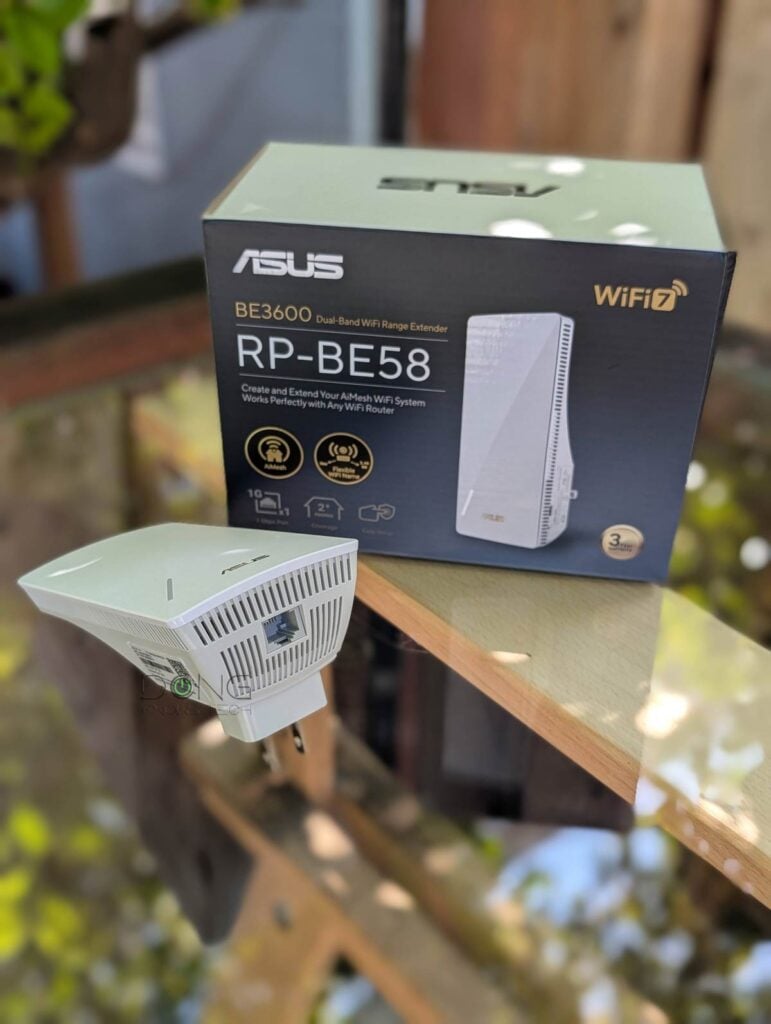
ASUS RP-BE58: A modest dual-band Wi-Fi 7 AiMesh-ready coverage extender
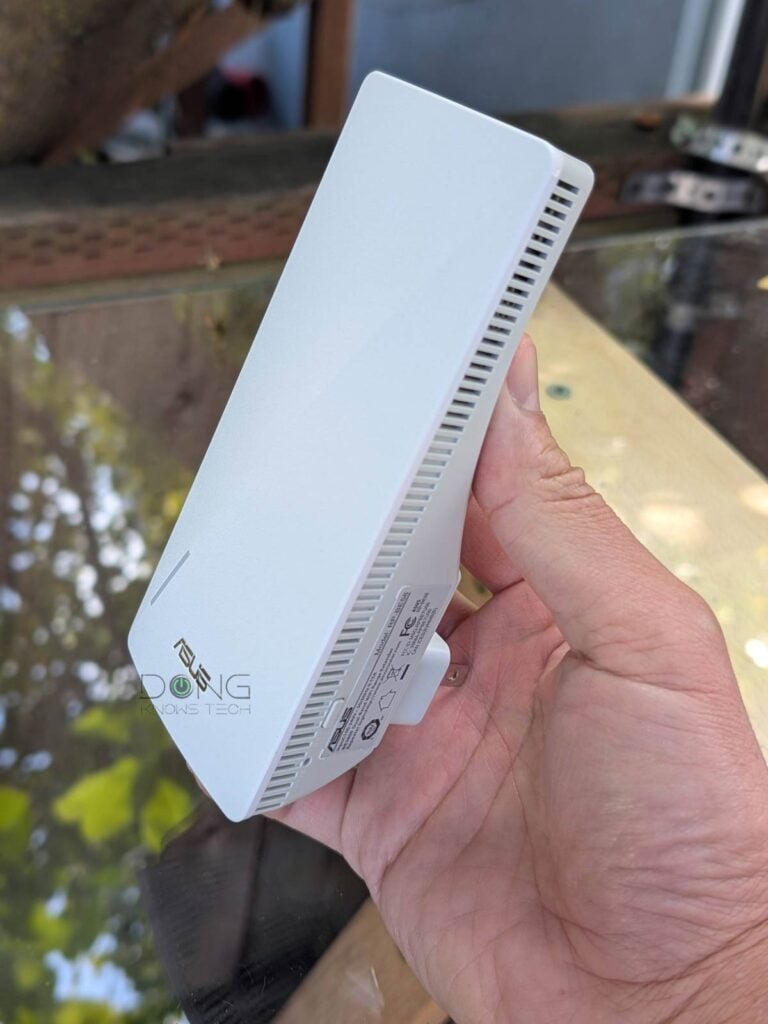
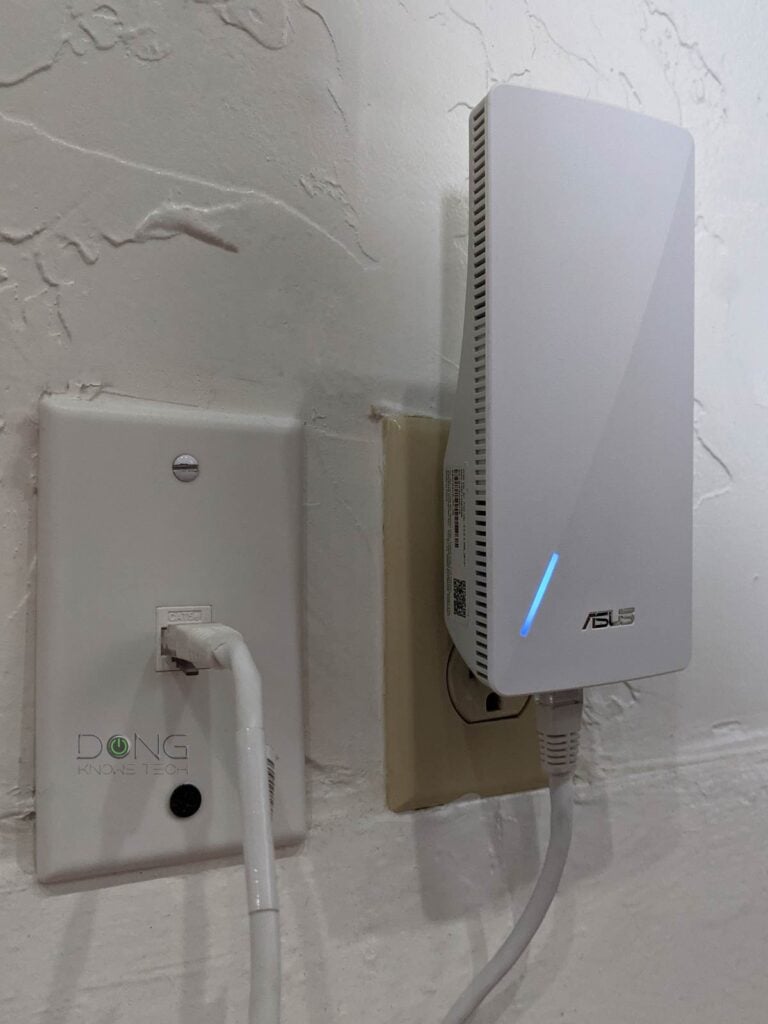
Out of the box, the ASUS RP-BE58 is the same as the RP-AX58 (as well as the RP-AX56). It’s a relatively compact device that you can plug directly into a wall socket via its standard two-prong connector.
The range extender is comparatively compact, but it’s still large enough to block an adjacent socket, making its lack of a pass-through socket problematic when used in a place with a single wall outlet.
On the inside, it features entry-level 2×2 Wi-Fi 7 with the combined bandwdith of the two 2.4GHz and 5GHz bands of 3600Mbps. On the underside, it has a Gigabit port to host a wired client in mesh or extender mode, or to serve as the uplink in access point mode.
And this Gigabit port is its biggest shortcoming. When used as the uplink, it limits the RP-BE58’s bandwidth to below 1000 Mbps, regardless of its Wi-Fi rates.
The table below shows the hardware specs of the range extender, compared to those of the previous model, the RP-AX58.
ASUS RP-AX58 vs. RP-AX56: Hardware specifications
 |
 |
|
| Full Name | Asus RP-BE58 BE3600 Dual-Band Wi-Fi 7 Range Extender | ASUS RP-AX58 AX3000 Dual-Band Wi-Fi 6 Range Extender |
| Model | RP-BE58 | RP-AX58 |
| Dimensions | 5.91 x 3.43 x 2.83 in (15 x 8.71 x 7.18 cm) |
|
| Weight | 6.7 oz (190 g) | |
| Wi-Fi Bandwidth | Dual-Band BE3600 | Dual-band AX3000 |
| 5GHz Wi-Fi Specs (channel with) |
2×2 BE: Up to 2882 Mbps (20/40/80/160MHz) |
2×2 AX: Up to 2400 Mbps (20/40/80/160MHz) |
| 2.4GHz Wi-Fi Specs (channel with) |
2×2 BE: Up to 688 Mbps (20/40MHz) |
2×2 AX: Up to 574Mbps (20/40 MHz) |
| Multi-Link Operation (MLO) |
Yes | N/A |
| Backward Compatibility | 802.11a/b/g/n/ac/ax | 802.11a/b/g/n/ac |
| Wireless Security | WPA, WPA2, WPA3 | |
| Mobile App | ASUS Router | |
| Web User Interface | Yes | |
| Available Operating Mode | Access Point (AP) Repeater (Extender) Media Bridge AiMesh Node |
|
| Mesh-Ready | Yes (AiMesh) |
|
| Gigabit Port | 1x LAN | |
| Multi-Gig Port | None | |
| Real-World Power Consumption (over 24 hours) |
≈ 110 Wh | not measured |
| Release Date | November 2025 | February 2023 |
| US Launch Price (check street price) | $99 | $99.99 |
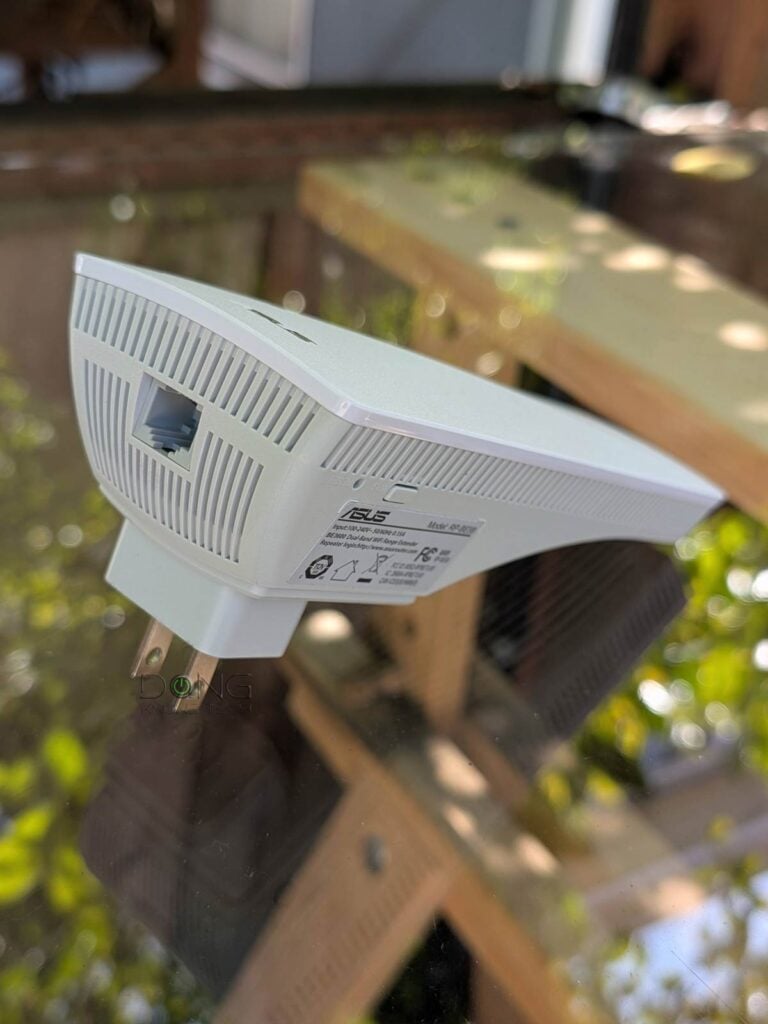
A familiar AiMesh hardware
The ASUS RP-BE58 shares the same firmware and, therefore, has the same setup process and feature set as the rest of the ASUS extenders/routers. It’s straightforward to set up.


All you have to do is plug it into a power socket and connect a device to its default open Wi-Fi network (or its network port). Now you can access its web user interface by navigating a browser to its default IP address (192.168.50.1) or router.asus.com, and the rest is self-explanatory.
You’ll be greeted by a quick wizard to create an admin password and choose its operating mode: standard extender, access point, or media bridge. Additionally, you can use it as an AiMesh node; in that case, follow this detailed guide.
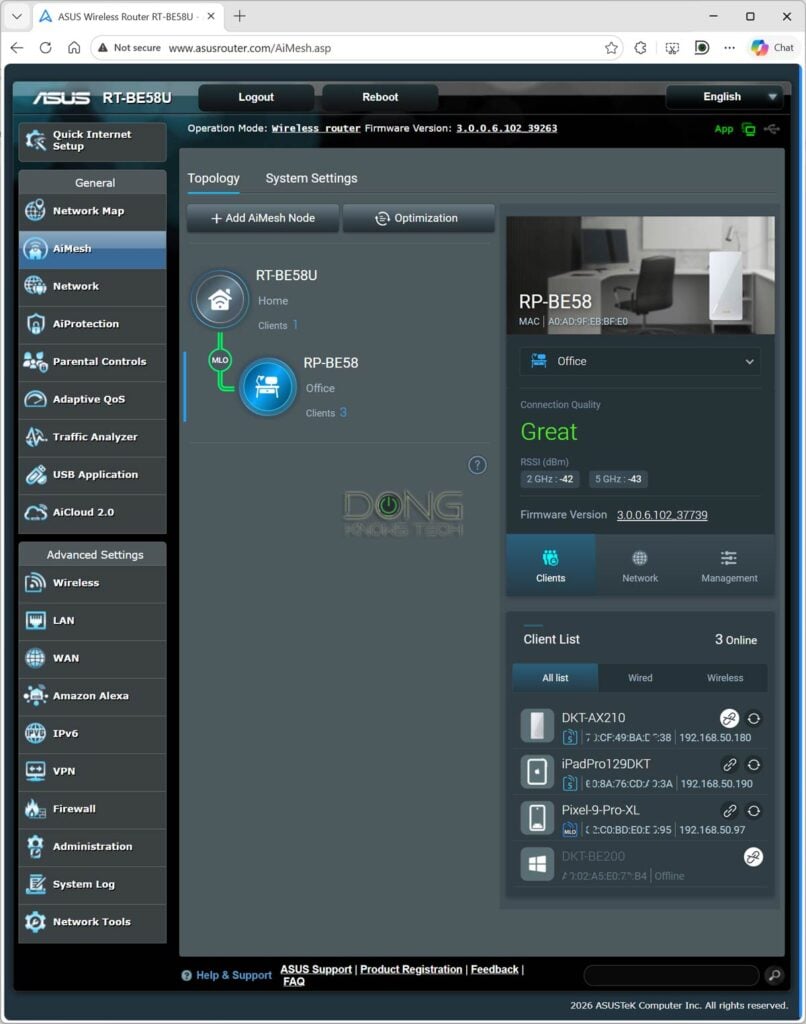
In my case, it took me less than 10 minutes to get it up and running, using any of the operation modes above.
ASUS RP-BE58’s performance: Reliable with modest sub-Gigabit real-world rate
As mentioned, with a Gigabit uplink port, the ASUS RP-BE58 can’t reach the Gigabit barrier when using a wired uplink—either a standard access point or an AiMesh node via a wired bakchaul. But even in the mesh mode, its performance proved modest when coupled with the similarly spec’d RT-BE58U as the primary router.


The good news is that the extender proved reliable during my weeks-long trial in all its operating modes.
In terms of coverage, you can expect the ASUS RP-BE58 to blanket 1500 ft2 (139 m2) of a residential area when placed at the center and used with wired backhaul. When used as a wireless extender or AiMesh node, the extended coverage depends on how you arrange the hardware.
In any case, Wi-Fi coverage is tricky, and your mileage will vary.


Other than that, the RP-BE58 remained relatively cool during operation. In fact, it became just slightly warm to the touch.
Conclusion
The ASUS RP-BE58 BE3600 Dual-Band Wi-Fi 7 Range Extender could have been much better if it had a 2.5Gbps port instead of a Gigabit port. Still, as is, it has enough to justify the $99 price point. Consider it if you have a modest home network and need to extend the coverage to a far corner. In any case, it’ll work best as an AiMesh node of a dual-band ASUS Wi-Fi 7 router like one of those in the best list below.