
Three years after introducing its first security cameras, the BC500 and TC500, Synology today unveiled two new models, the BC510 and TC510.
At a glance, like other Synology IP cameras, the BC510 and TC510 are designed to work right away with Synology’s Surveillance Station and the BeeCamera feature, newly added to the BeeStation Plus. And that can be quite exciting.
Looking closer, though, things get a bit unpleasant with the new models, much like the NAS vendor’s ill-thought-out 2025 HCL Policy.
Let’s find out more!
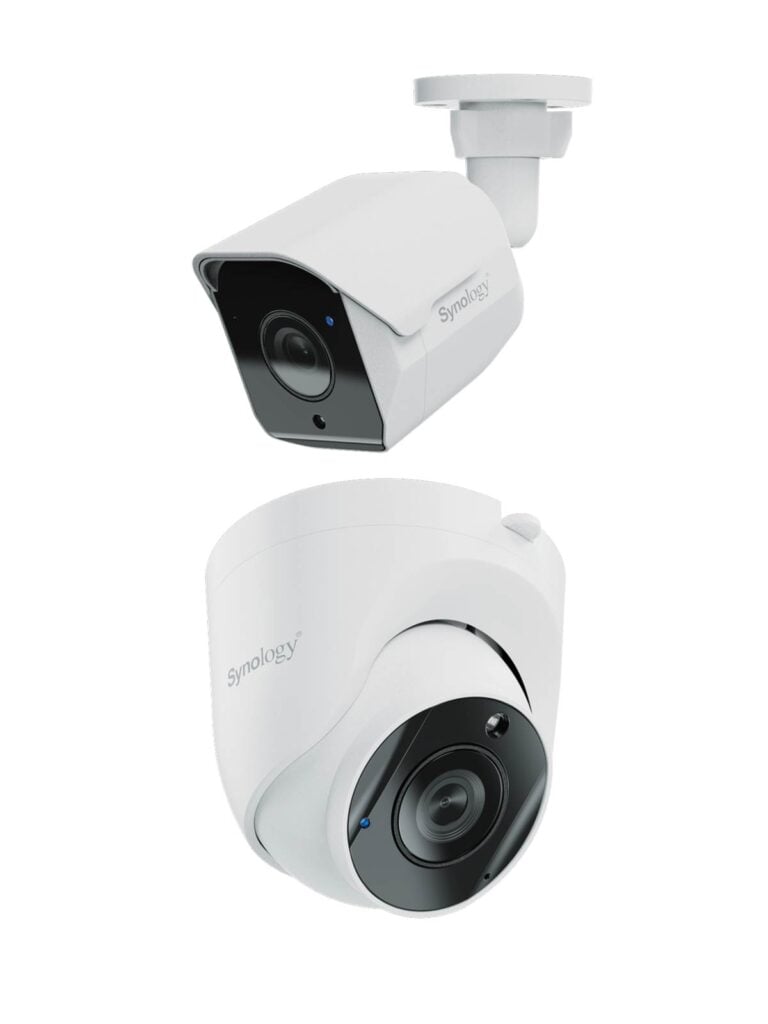
Synology BC510 and TC510: A big downgrade from the 500 Series
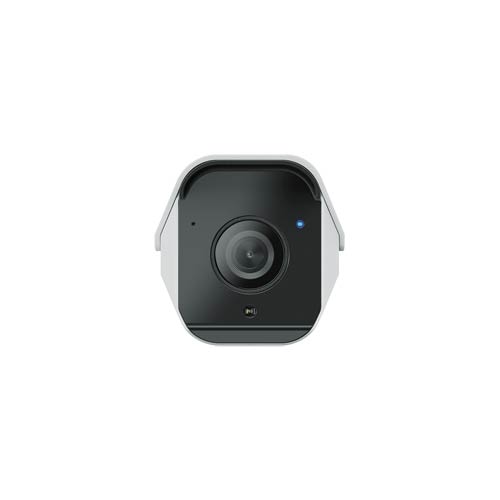
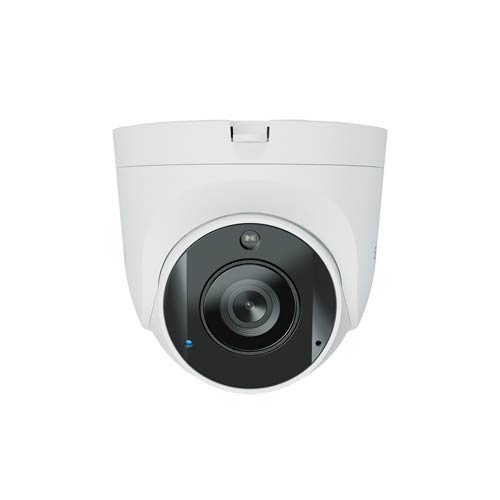
Similar to the previous model, the BC510 and TC510 are bullet and turret models, respectively. The two share the same shape and design as their respective previous models.
And aside from the designs, the two new cameras are also the same on the inside. They are both PoE-powered outdoor cameras with a max resolution of 5 MP (at 30 FPS), which falls between 2K and 4K.
The table below shows the hardware specs of the two new cameras, which are largely the same as those of the previous models, with one significant difference, not in a good way: they now each require a camera license.
Hardware specifications: Synology BC510 vs TC510
 |
 |
|
|---|---|---|
| Synology BC510 | Synology TC510 | |
| General Specifications | ||
| Dimensions | Ø4.33 x 6.34 in (Ø110 x 161 mm) |
Ø3.82 x 3.46 in (Ø97 × 88 mm) |
| Weight | 0.78 lbs (353 g) | 0.85 lbs (387 g) |
| Weather Resistance | IP66 | IP67 |
| Power Source | PoE (802.3af) or 12V DC |
|
| Power Consumption | 4.8 W | |
| Network Port | 1 x Fast Ethernet (100Mbps) PoE | |
| Built-in Storage | MicroSD | |
| Operating Environment | • Temperature (IR off): -30°C to 50°C (-22°F to 122°F) • Temperature (IR on): -30°C to 40°C (-22°F to 104°F) • Relative humidity: 5% to 95% RH (non-condensing) |
|
| Certification | IP67, FCC, IC, CE, BSMI, VCCI, RCM, UKCA, KC, JATE | |
| Environmental Safety | RoHS compliant, WEEE, REACH | |
| NDAA / TAA Compliance | Yes | |
| Package Contents | 1 x BC500 main unit 1 x Installation guide 1 x RJ-45 connector cap cover 1 x Screw pack |
1 x TC500 main unit 1 x Installation guide 1 x RJ-45 connector cap cover 1 x Screw pack |
| Warranty | 3 years | |
| US Availability | May 6, 2026 | |
| Optical | ||
| Lens | 2.8 mm (110° H, 56° V, 132° D LDC ON) |
|
| Aperture | F1.8 | |
| Night vision | 30 meters | |
| Shutter speed | 1/16000s~1/30s | |
| DORI | D: 60m, O: 24m, R: 12m, I: 6m | |
| Video | ||
| Max. Streaming Resolution | 5 MP (2880×1620) @ 30 FPS | |
| Sub Streaming Capability | 1920×1080 @ 15 FPS or 1280×720 @ 30 FPS | |
| Video Compression | H.264, H.265 | |
| Image Settings | Brightness, contrast, saturation, sharpness, white balance, High Dynamic Range (HDR), 3D/2D noise reduction, exposure control, 50/60 Hz flicker reduction, day/night mode, overlay, privacy mask |
|
| Video Orientation | Rotation (0°, 90°, 180°, 270°) Flip Mirror |
|
| Event Analytics (available with Synology DVA Series video recorders) |
People & Vehicle Detection (including Crowd Detection and Loitering Detection), Intrusion Detection, Motion Detection, Tampering Detection, Audio Detection |
|
| Instant Search | People, Vehicle, Motion | |
| SD Card Event Recording | Disconnection from NAS Event Analytics |
|
| Warranty | 3-year | |
| Camera Licence | Required | |
| US Launch Price (check street price) |
TBD (likely $150) |
|
Practically the same cameras as the previous models, now without a built-in camera license
As you might have noted from the table, the new BC510 and TC510 cameras appear to have the same hardware specs as the previous model.
On this front, Synology says the new cams now support ONVIF, meaning they will also work with third-party NVRs, rather than just Synology applications, as with the previous model. While that’s welcome news, it’s not significant as it’s rather pointless to buy them for use with third-party NVRs, given the variety of other, more affordable options on the market.
About the new cameras, Synology also added:
“The BC510 and TC510 are engineered to support Synology’s surveillance strategy that focuses on building an ecosystem that seamlessly integrates cameras, VMS, AI analytics, storage, and cloud, by offering flexible deployment options, offering deep integration within the native Synology ecosystem and our upcoming VSaaS platform while ensuring broad interoperability with third-party environments via industry-standard protocols.”
However, as I dug deeper, I found out that these new cameras no longer include a camera license. Specifically, that means if you want to use them with a Synology NAS server that’s already used up its built-in licenses—each Synology N/AS server generally includes two camera licenses—you’ll need to buy a license.
The removal of the built-in camera license is a big departure from the previous models. You can use the BC500, TC500, and CC400W with any Snology NAS server without using up a license. In fact, this is built in, which was one of the biggest reasons I’d recommend them.
The takeaway and availability
Synology says the new BC150 and TC510 security cameras “are now available through Synology partners and resellers,” but didn’t provide any specifics for now, including pricing.
Considering the new models don’t include a camera license, my guess is they will cost the same as the previous model, which currently goes for around $250 apiece on the street, minus the license cost. So, likely around $150.
That aside, given the hardware similarities, the BC150 and TC510 will likely offer the same real-world experience as the BC500 and TC500. In fact, it seems that the new models’ only “improvement” is the lack of a built-in camera license: bad for consumers and near-sighted on Synology’s part.
That said, unless they are your first two cameras of your Synology NAS or BeeStation Plus surveillance system, I’d recommend the previous models or third-party cameras instead. Or just go with Ubiquiti Protect.