
The new NASync DXP4800 GT, part of the newly released NASync GT lineup, is a bit of a surprise. While its hardware specs suggest it’s somewhat of a downgrade from the DXP6800 Pro, it proved consistently faster in real-world use.
However, that’s likely because UGREEN’s UGO Pro operating system has improved significantly in performance since I tested the previous model.
In any case, here’s the bottom line: There’s little to complain about the NASync DXP4800 GT. It’s a good-looking, robust server that has everything to justify its sensible $659.99 priace tag (before discount), and then some. If you’re in the market for a 10GbE-enabled four-bay network-attached storage machine, consider it today!
And for those with a previous DXP6800 Pro, don’t fret. The older server remains superior even after being updated to the latest OS version.
Pros
Attractive design with dual 10Gbps ports, built-in NVMe M.2 slots, easily upgradeable
Robust UGOS Pro operating system with standard management, functions, and add-on apps, including built-in support for shadow copies, virtual machines, and Domain/LDAP
Convenient, tool-free design, runs cool, affordable
Cons
No flexible RAID or easy storage migration from one server to another
M.2 ports feature the PCIe Gen 3×2 standard
UGO Pro operating system is still comparatively lacking in apps and features
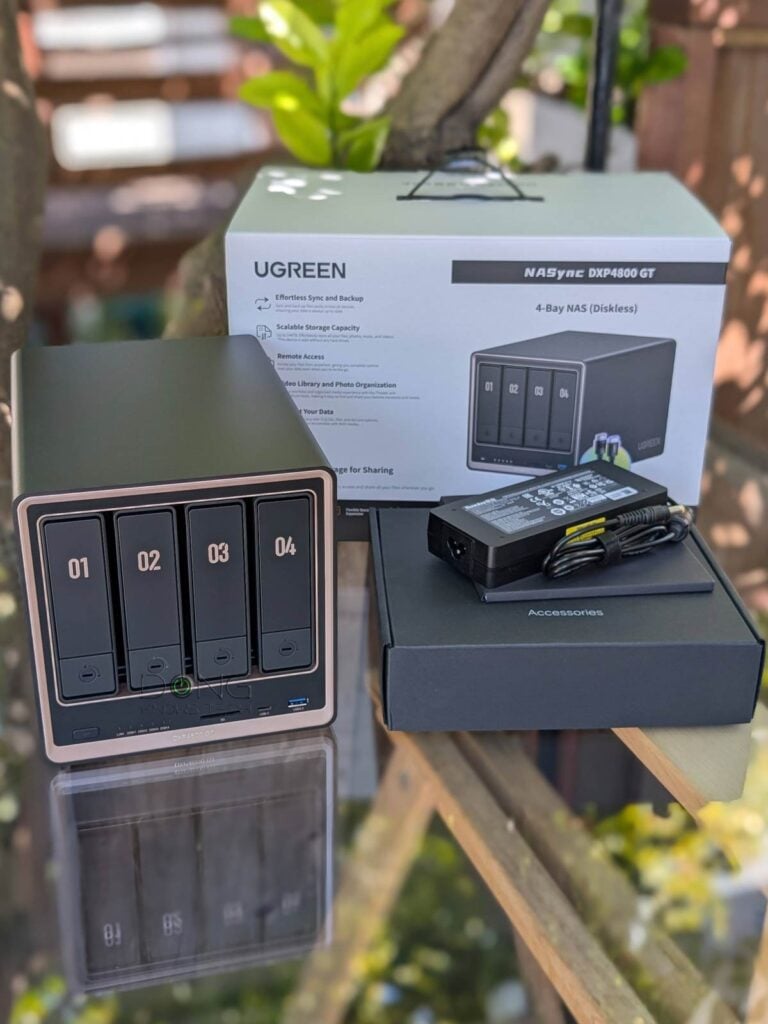
NASync DXP4800 GT: A more refined, yet familiar, NAS option
UGREEN’s “GT” lineup is meant to put the “Grand Touring” spirit on top of the previous servers in the NASync DXP series, and NASync DXP4800 GT definitely offers that.
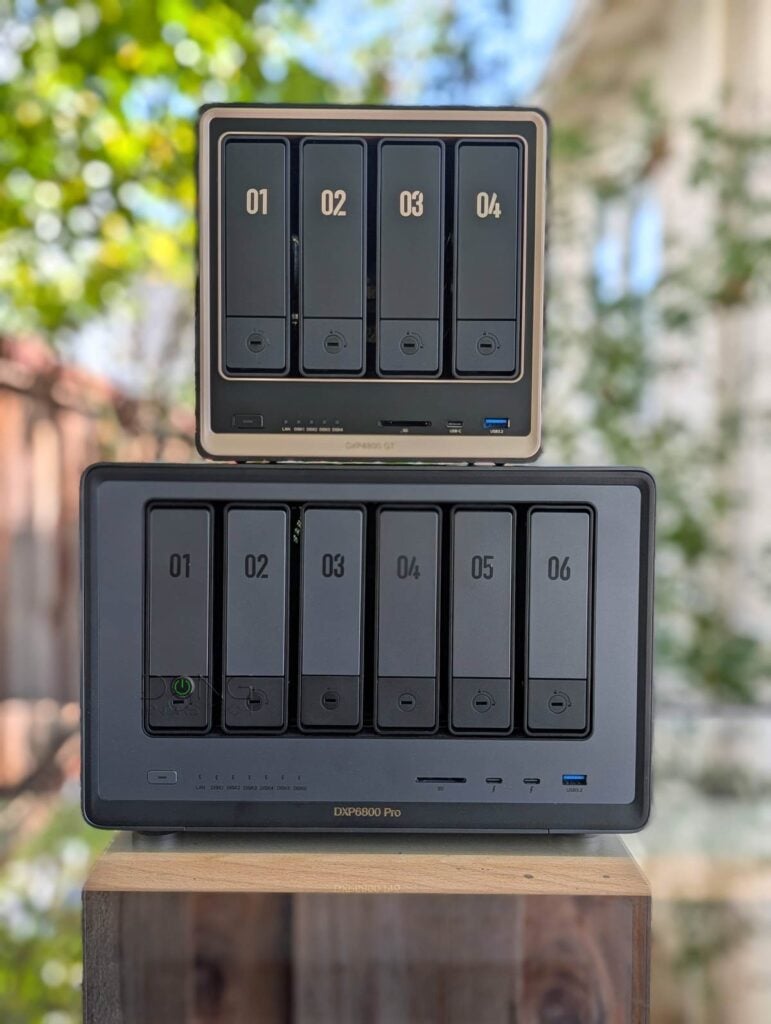
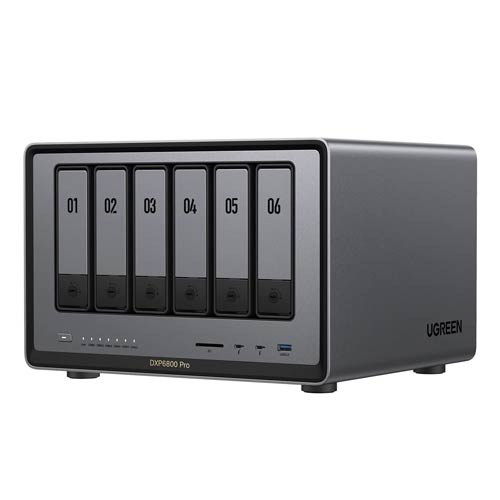
Compared to the previous DXP6800 Pro, the new server looks more refined. The tasteful gold-rose trims accentuate its front without making it ostentatious.
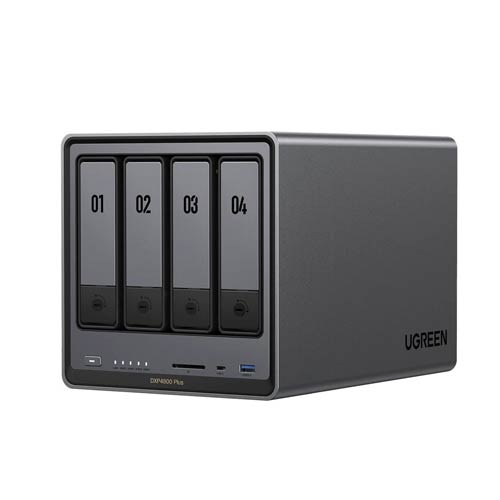
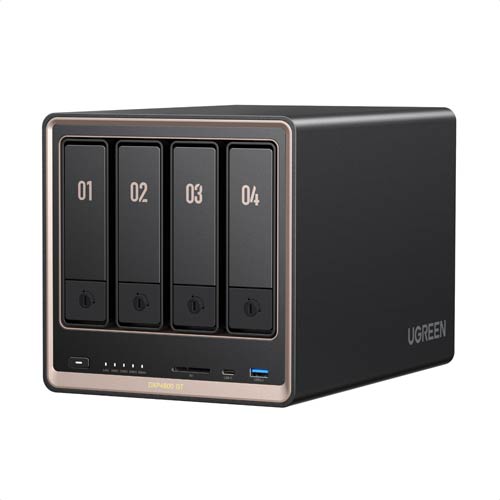
In terms of design, as a 4-bay server, the new DXP4800 GT is more of a replacement for the previous, similar-looking DXP4800 Plus. Both share a compact design, just slightly wider than four 3.5-inch hard drives stacked vertically together. However, the DXP4800 GT shares the same number of ports and port grade as the DXP6800 Pro.
In any case, the table below compares the hardware specs of the three UGREEN NAS servers.
Hardware specifications: UGREEN NASync DXP4800 GT vs. DXP6800 Pro vs. DXP4800 Plus
 |
 |
 |
|
|---|---|---|---|
| Model | UGREEN NASync DXP4800 Plus | UGREEN NASync DXP4800 GT | UGREEN NASync DXP6800 Pro |
| CPU | Intel X86 12th Generation Intel Pentium Gold 5 Cores 6 Threads | AMD Quad-Core Ryzen Embedded R2514, up to 3.7GHz |
Intel 10-Core Core i5-1235U, 12M Cache, up to 4.40 GHz, with IPU |
| System Memory | 8GB DDR5 | 8GB DDR4 | 8GB DDR5 |
| Max Memory | 64GB via two RAM slots (32GB x 2) |
||
| Built-in Storage (for OS) |
128GB SSD | 64GB eMMC | 128GB SSD |
| Dimensions | 0.1 × 7.0 × 7.0 in (25.65 x 17.78 17.78 cm) |
10.1 × 7.0 × 7.0 in (25.65 x 17.78 17.78 cm) |
16.5 x 14 x 10.75 in (41.91 x 35.56 x 27.31 cm) |
| Weight (diskless) |
8.36 lbs (3.79 kg) | 17.81 lbs (8.07 kg) | |
| Drive Bays | 4 | 6 | |
| Expansion Support | No | ||
| Drive Interface | SATA 6Gbps Hot-swappable |
||
| Built-in M.2 Slots | 2x PCIe Gen 3×2 (storage or cache) |
1x PCIe Gen 4×4, 1x PCIe Gen 3×2 (storage or cache) |
|
| Maximum Raw Storage (capacity depending on drives) |
4x SATA HDDs and 2x NVMe SSDs |
6x SATA HDDs and 2x NVMe SSDs |
|
| RAID Types | Basic, JBOD, RAID 0, RAID 1, RAID 5, RAID 6, RAID 10 | ||
| Network Ports | 1x RJ-45 10GbE LAN, 1x RJ-45 2.5GbE LAN |
2x RJ-45 10GbE LAN | |
| Peripheral Ports | 2x USB-A 3.2, 2x USB-A 2.0, 1x USB-C 3.2, 1x 4K HDMI, 1x SD 3.0 slot |
2x Thunderbolt 4, 2x USB 3.2, 2x USB 2.0, 1x 8K HDMI, 1x SD 4.0 slot, |
|
| PCIe Expansion | None | 1x PCIe Gen4x4 | |
| Add-in Card Support (not included) |
N/A | Standard PCIe cards | |
| Operating System | UGOS Pro | ||
| OS Version (at review) |
not reviewed | 1.16.0.0089 | 1.0.0.1708 |
| File System | Btrfs, ext4 | ||
| Power Input | 110V-240V | ||
| Real-World Power Consumption (per 24 hours) |
TBD | ≈ 815 Wh | ≈ 785 Wh |
| Warranty | 3 years | ||
| US MSRP (Diskless) (check street price) |
$729.99 | $659.99 | $1199.99 |


UGREEN NASync DXP4800 GT vs. DXP4800 Plus: Nicer-looking but a tad inferior in hardware specs
As noted in the table above, the NASync DXP4800 GT falls between the DXP4800 Plus and the DXP6800 Pro in terms of hardware specs. Its strongest point compared to the previous 4-bay server is that it has a second 10GbE port (instead of a 2.5Gbps port) and a more attractive design.
On the inside, the new DXP4800 GT actually sports lower hardware specs. It has a less powerful AMD CPU, features lower DDR4 instead of DDR5 for random access memory, and uses an embedded MultiMedia Card (eMMC) for internal storage to host the operating system, rather than a solid-state drive (SSD).
While also using NAND Flash memory, eMMCs, similar to SD cards, are generally inferior to SSDs in terms of performance and longevity. However, given that these servers’ internal storage only holds the OS, the difference between the two is practically negligible.
I haven’t tested the DXP4800 Plus and don’t plan to, but in real-world use, the DXP4800 GT will likely be the same as its older cousin, if not faster in raw data speeds, as shown in the performance section below.
DXP4800 GT: Familiar practical design
As with the DXP6800 Pro, the DXP4800 GT features a practical tool-free drive bay design.
Each of its four front-facing bays comes with a drive tray identical in design to those used in other servers in the NASync DXP series, allowing users to install or replace a standard 3.5-inch SATA hard drive without tools. In fact, there’s no need to undo and redo any part at all, and no need to use any screws, either.
The server does come with a bag of little form-fitting screw and a small screw driver in case you want to attach a 2.5-inch SATA drive (HDDs or SSDs) to the tray.
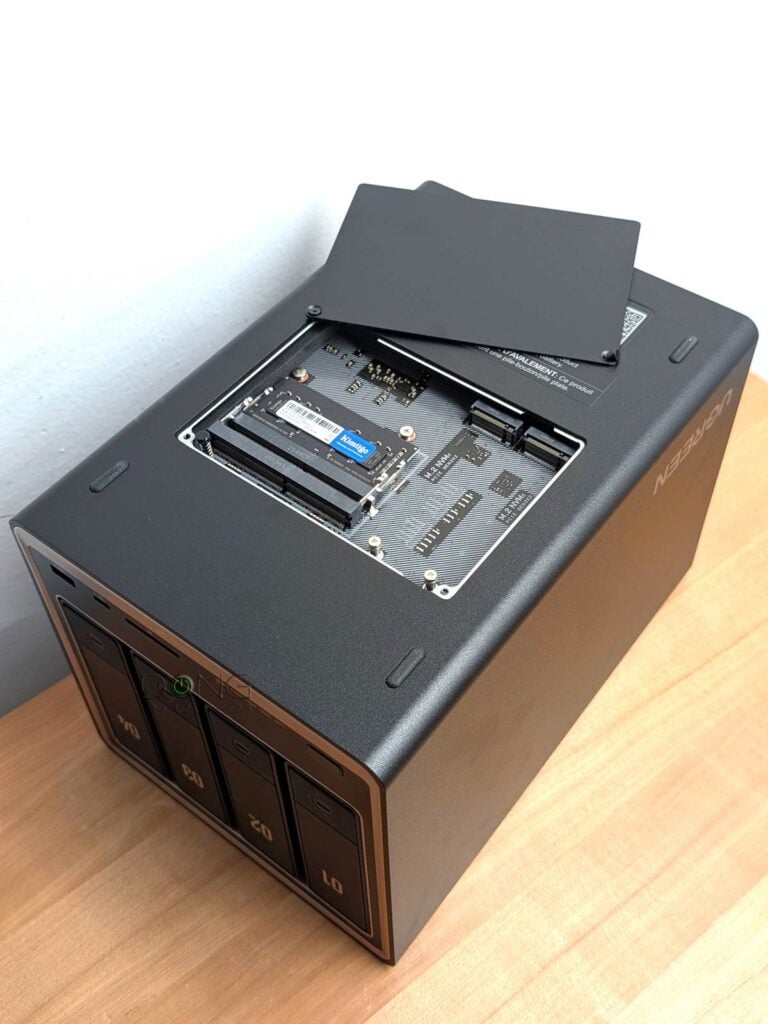
However, there’s little reason to use a 2.5-inch drive with the server, given it comes with two M.2 PCIe Gen 3×2 slots—accessible via a trapdoor on its underside—for two NVMe SSDs. Near these M.2 slots are the server’s RAM slots, one of which is occupied with an 8GB stick.
On the front, the server has an SD card reader, a 10 10Gbps USB-C port, and a 10 10Gbps USB-A port. On the back, there’s another 10Gbps USB-A port, two USB 2.0 ports, an HDMI port, and, of course, the two 10Gbps ports.
By the way, these two 10GbE ports feature Link Aggregation to deliver a 20Gbps bonded link when you use the server with a 10Gbps switch that also has this feature.
Overall, design-wise, the NASync DXP4800 GT proved to be a pleasure to use. It took me very little time to install and replace drives during the evaluation.
Latest UGOS Pro: Much improved but still lacking
I tested the NASync DXP4800 GT using UGOS Pro version 1.16.xxx, which represents a significant gap compared to version 1.0.xxx when I tested the DXP6800 Pro. The latest version showed significant improvements in responsiveness, refinement, and performance, as shown in the performance section below.

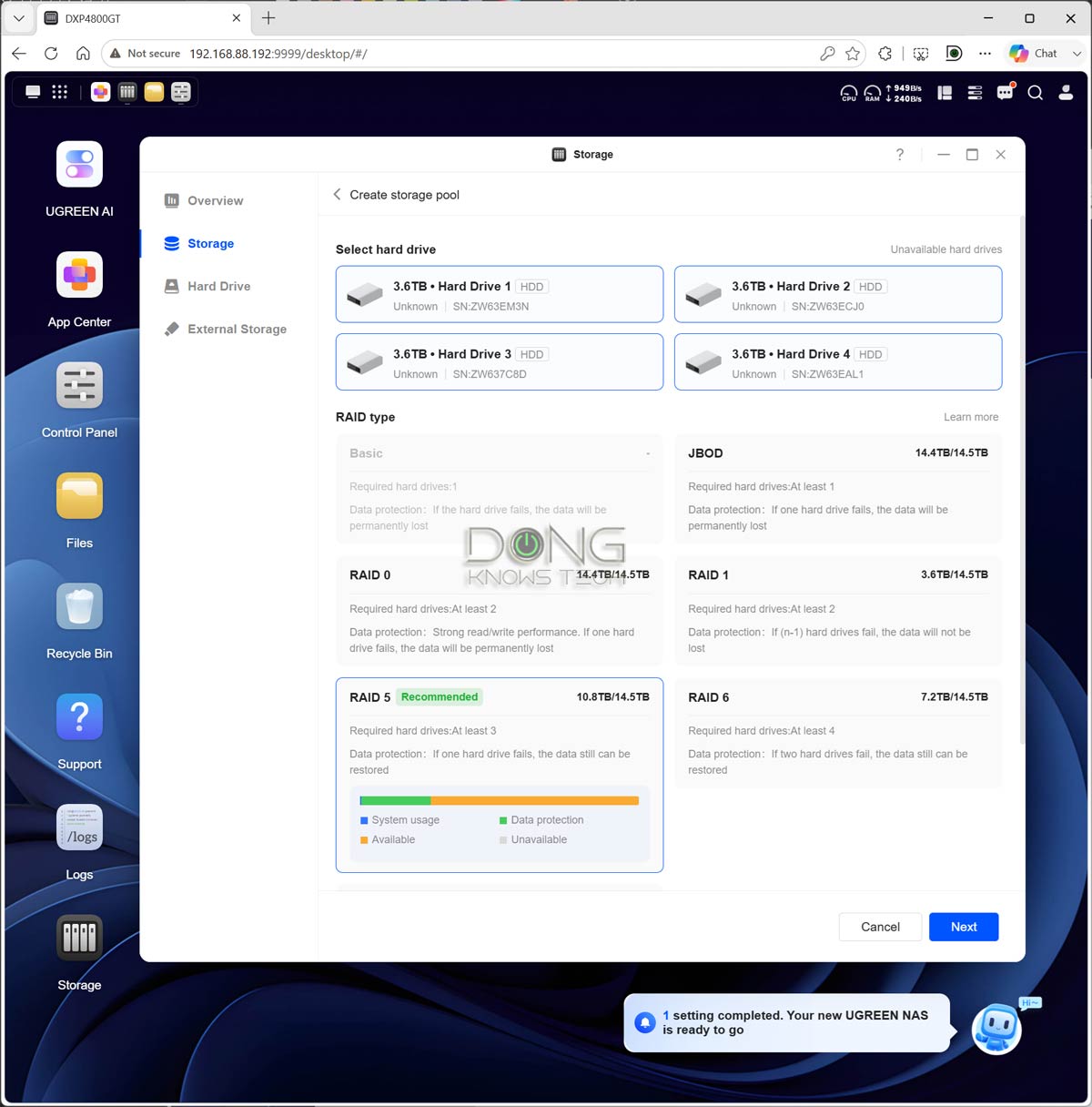
That said, on the plus side, here are a few things to note about this server, as well as any UGREEN server running the latest UGOS Pro:
- The Linux-based OS can be managed via a robust web user interface accessible via the server’s local IP address. The local router assigns this IP, but you can use the UGREEN NAS client software to detect it and launch the web UI.
- Within the web page, the interface functions like that of a native operating system, with a taskbar, a desktop with icons, a notification area, etc, and you can open multiple windows of different apps and switch between them.
- The server comes with built-in features and apps for all standard network storage needs available in most servers, specifically:
- A Control Panel that offers standard user management, network settings, firmware update, domain integration, hardware monitoring, and more.
- A Storage app that handles drives, RAID, storage pools, and volumes.
- The File Version Explorer app helps protect your data from unintended changes by creating read-only versions, similar to the Snapshot app on Synology.
- Easy remote access via UGREENlink (similar to Synology’s QuickConnect) or Dynamic DNS.
After that, there’s an app store called App Center that lets users install dozens more applications to add functionality and features to the server, including data syncing/backups, virtual machines, Docker, and much more. In short, virtually anything you can think of from a NAS server, you’ll find in the NASync DXP4800 GT.
Well, almost.
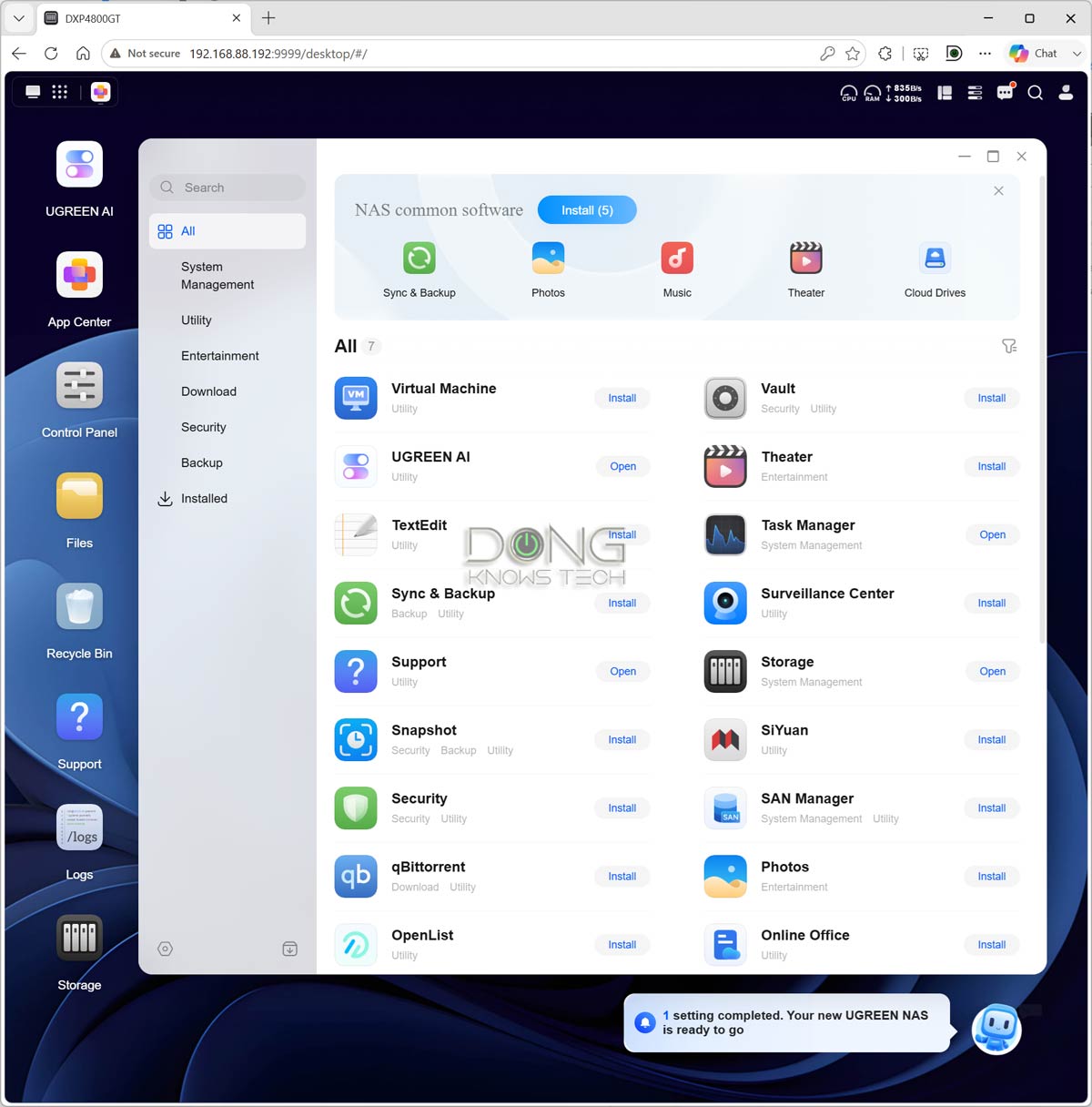
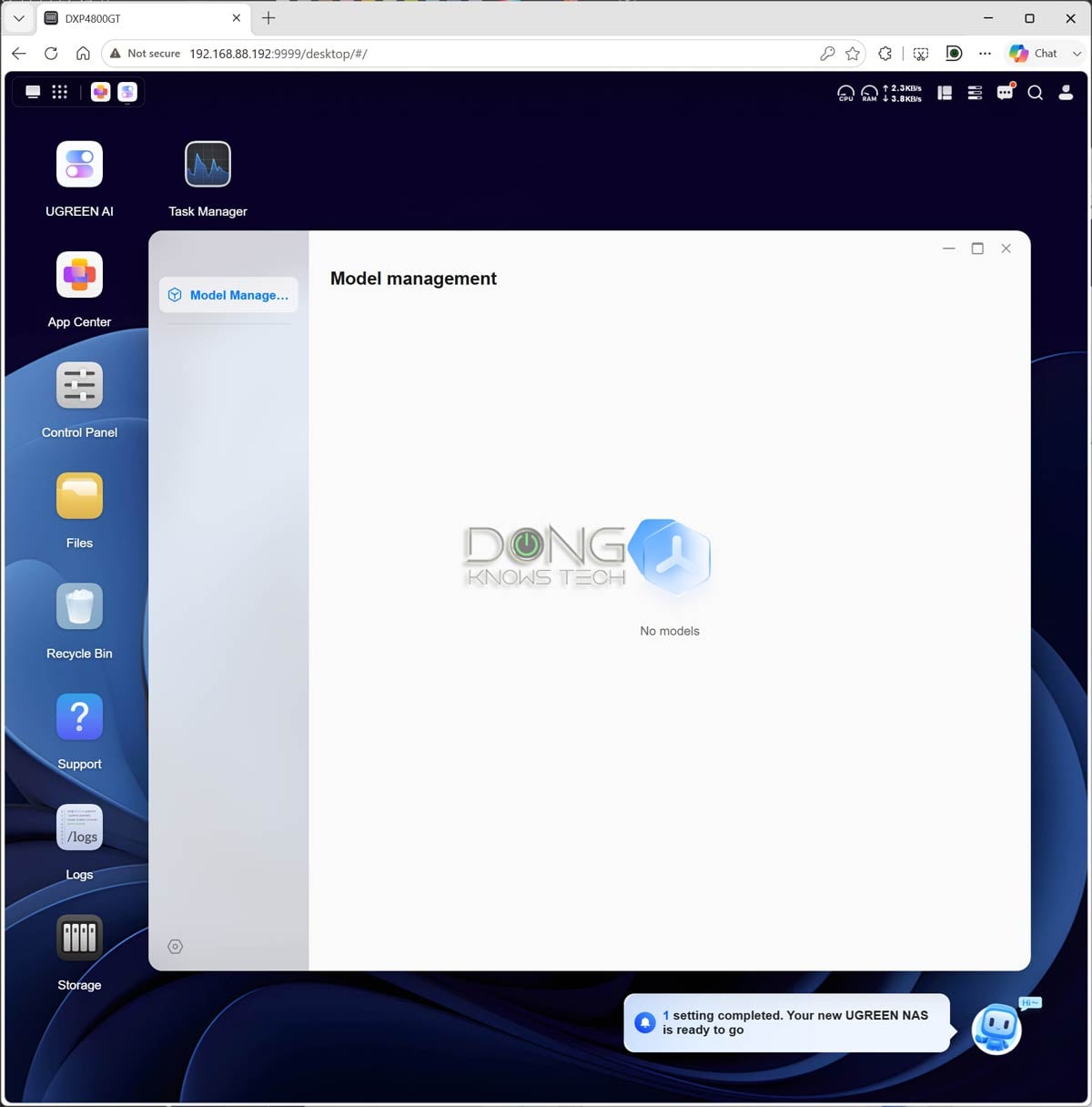
Like other UGREEN servers, the NASync DXP4800 GT still lacks useful features and apps. For example:
- No native support for Plex Media Server, the most well-known media server. (You can use Docker to run Plex, but emulation is generally not as good as native support.)
- The Download app doesn’t support torrent search, unlike Synology’s Download Station—you have to enter each download manually.
- UGOS Pro only supports standard RAID and lacks flexible RAID configurations that allow mixing drives of different capacities or upgrading storage space without rebuilding the storage pool from scratch.
- The use of internal storage (eMMC) for the OS means users can’t upgrade or replace hardware by migrating existing drives between UGREEN servers, unlike with Synology. This shortcoming results in extended downtime should the server need to be replaced due to a hardware failure.
In all, the UGOS Pro operating system, and by association any UGREEN NAS servers, including this DXP4800 GT, is still far from offering everything Synology users might need before making the move. However, what it lacks in the software, it makes up for in performance.
UGREEN NASync DXP4800 GT: Excellent performance
I put the UGREEN NASync DXP4800 GT through its paces for over a week and was impressed with how well it worked. The server was largely silent—you can manage its fan speed via the Control Panel—and produced almost no heat. It wasn’t even warm to the touch. During the entire trial, everything worked as intended.


In terms of real-world performance, I tested it over a single 10Gbps connection, and it was consistently among the fastest, beating the DXP6800 Pro in almost every test. In fact, the only faster server was UGREEN’s souped-up iDX6011 Pro AI NAS machine.
It’s worth mentioning, though, that the DXP6800 Pro was tested with a much older version of the UGOS Pro, and I would attribute much of the DXP4800 GT’s performance to improvements in the OS itself. Still, there’s no doubt that the DXP4800 GT is an excellent performer.
Conclusion
Good-looking and fast, the UGREEN NASync DXP4800 GT is a welcome addition to UGREEN’s DXP series. If you’re in the market for a 4-bay server that delivers in both performance and cost, consider it today!